Start here
Getting started
Sign in, set your units and goals, and record your first workout.
Sign in
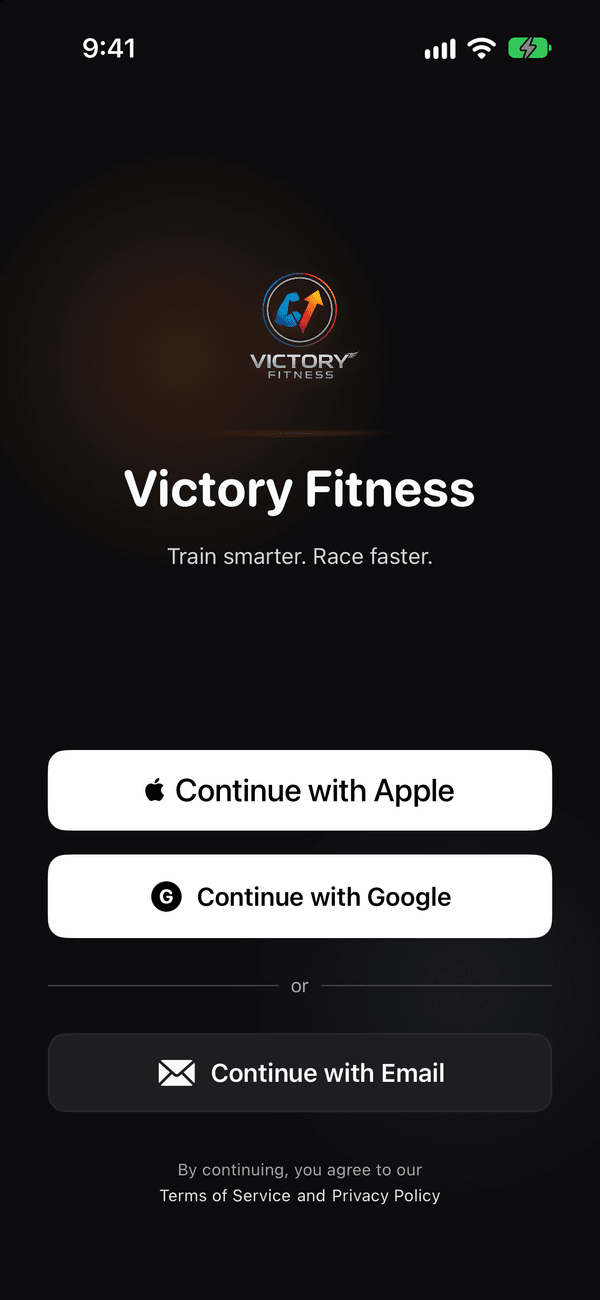
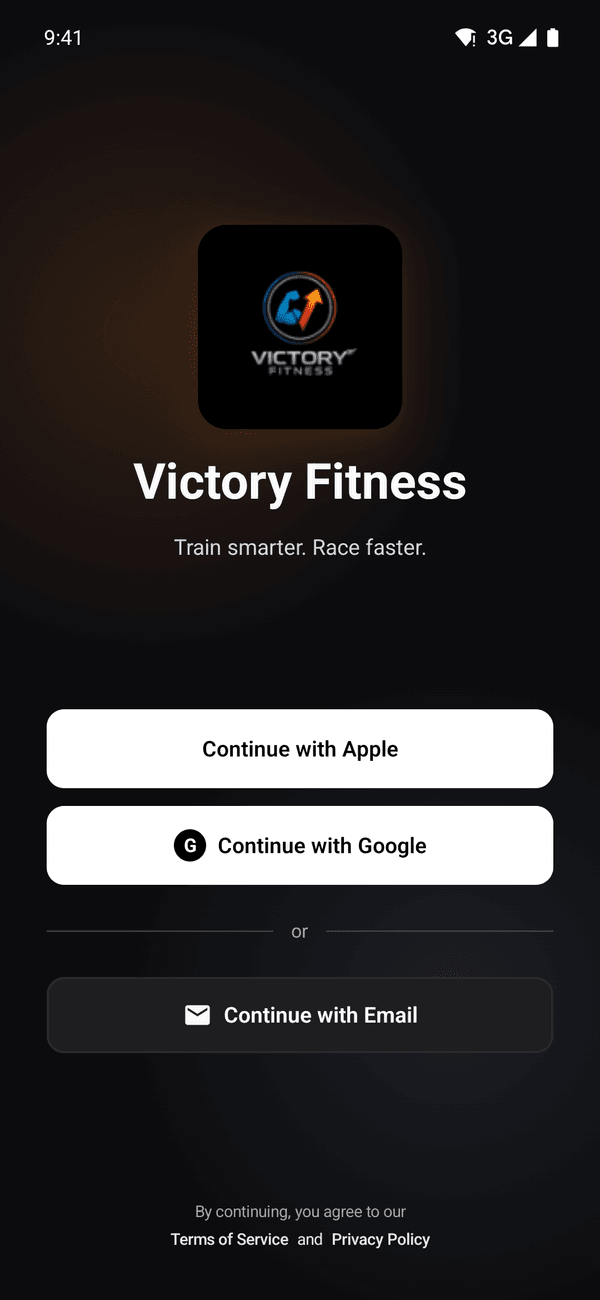
Victory Fitness works on iPhone and Android. You can sign in with Apple, with Google or with an email address. Use the same method every time so you land in the same account, and the same account works on the website.
Find your way around
There are five tabs along the bottom of the app:
- Feed: your activity and friends' activity.
- Coach: chat with your AI coach about training, recovery and plans.
- + (center button): start a workout, log food, or start a Cheer Session for a watch that is not an Apple Watch.
- Plan: your training plan and what is scheduled.
- Profile: your stats, records, and Settings.
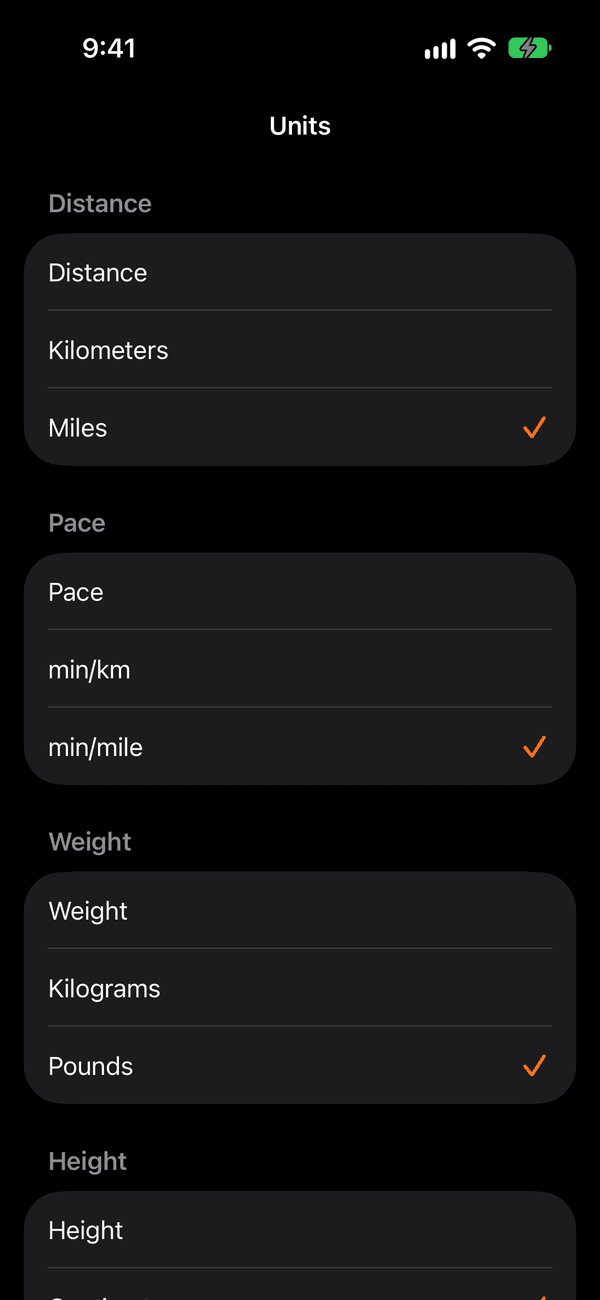
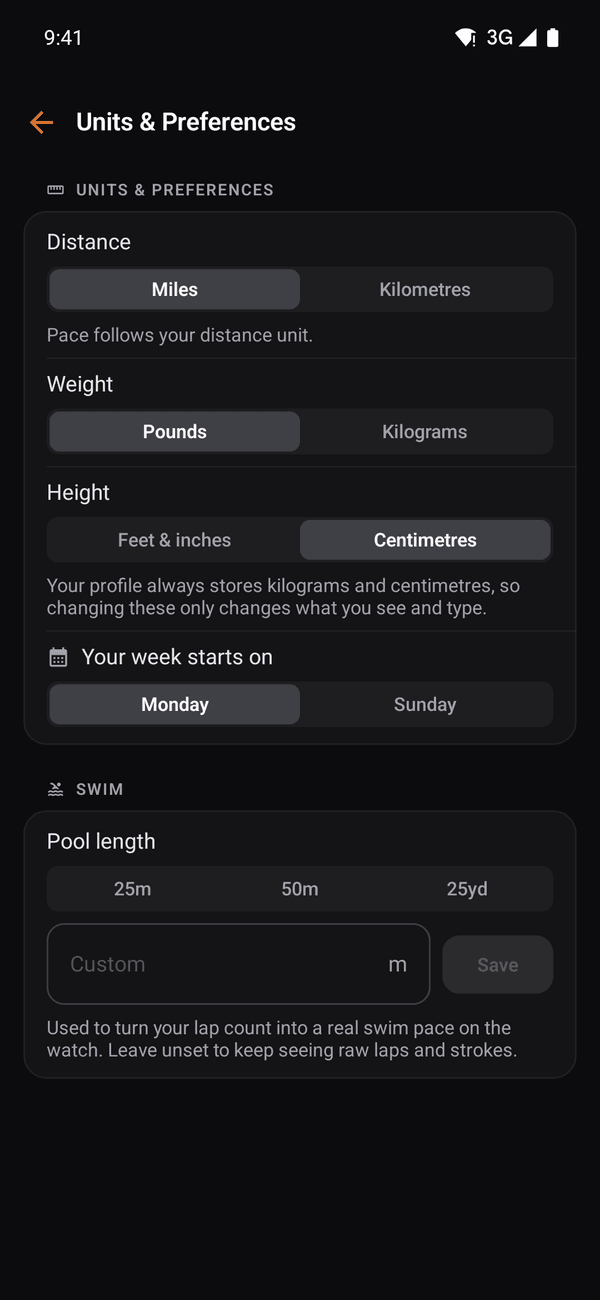
Distance and weight units are under Profile, then Settings, then Units & Preferences.
Record your first workout
- 1
Tap the + button and choose Start a workout.
- 2
Pick the activity: run, ride, strength and more. Allow location access when asked so distance and the map work.
- 3
Start, then finish when you are done. The workout is saved to your account and appears in your history.
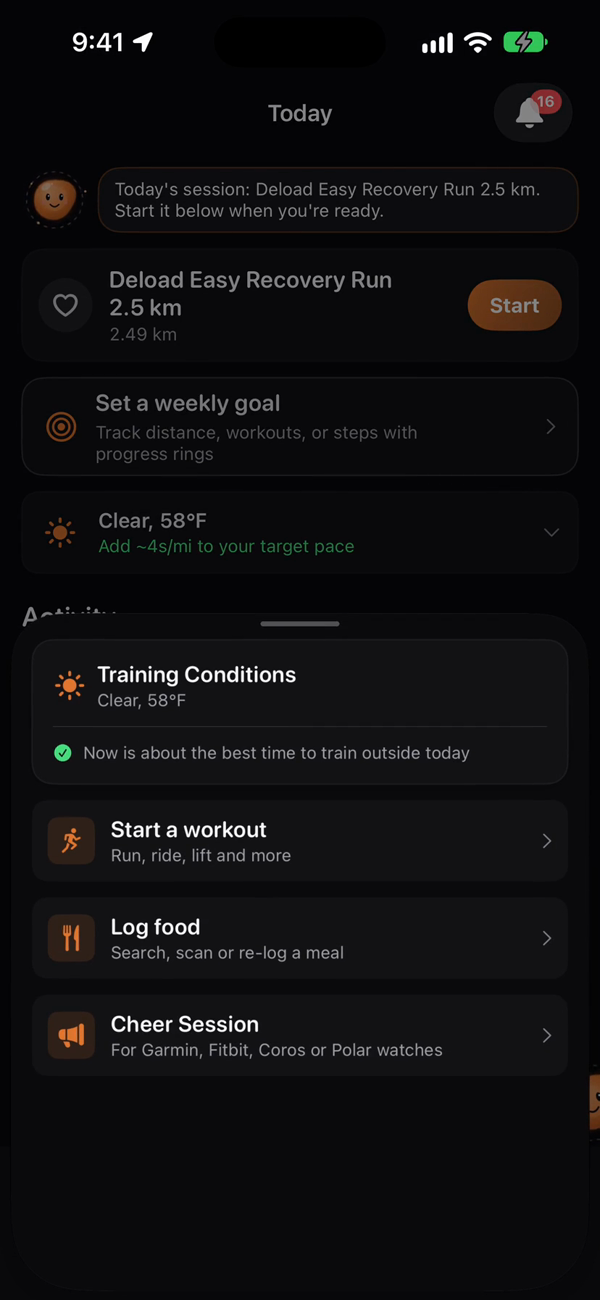
Have an Apple Watch? Read the Apple Watch guide so heart rate shows up on the phone too.
What to set up next
- Add a goal race or build a plan in Training plans.
- Turn on spoken updates in Audio coaching.
- Connect your other apps in Strava and connected apps.
- Bring your lifting history over in Strength training.
- Hide your home and work from the social feed in Account and privacy.
Troubleshooting
| What you see | What to do |
|---|---|
| Distance stays at zero | Location access is off or set to "Never". Open your phone settings, find Victory Fitness and allow location while using the app, then start again outdoors. |
| I signed in and my history is gone | You probably signed in with a different method (Apple, Google or email) and created a second account. Sign out and sign in with the method you used first. |
| A workout did not appear after I finished | Check that you have a connection, then pull to refresh. The workout is kept on the phone until it uploads. |
Still stuck?
Email officialvictoryfitness@gmail.com with your phone model, app version and a screenshot, and we will help. You can also read the pricing FAQ.