Plan and train
Training plans
Build a plan, scan one in, adjust it and send workouts to your watch.
Build a plan
- 1
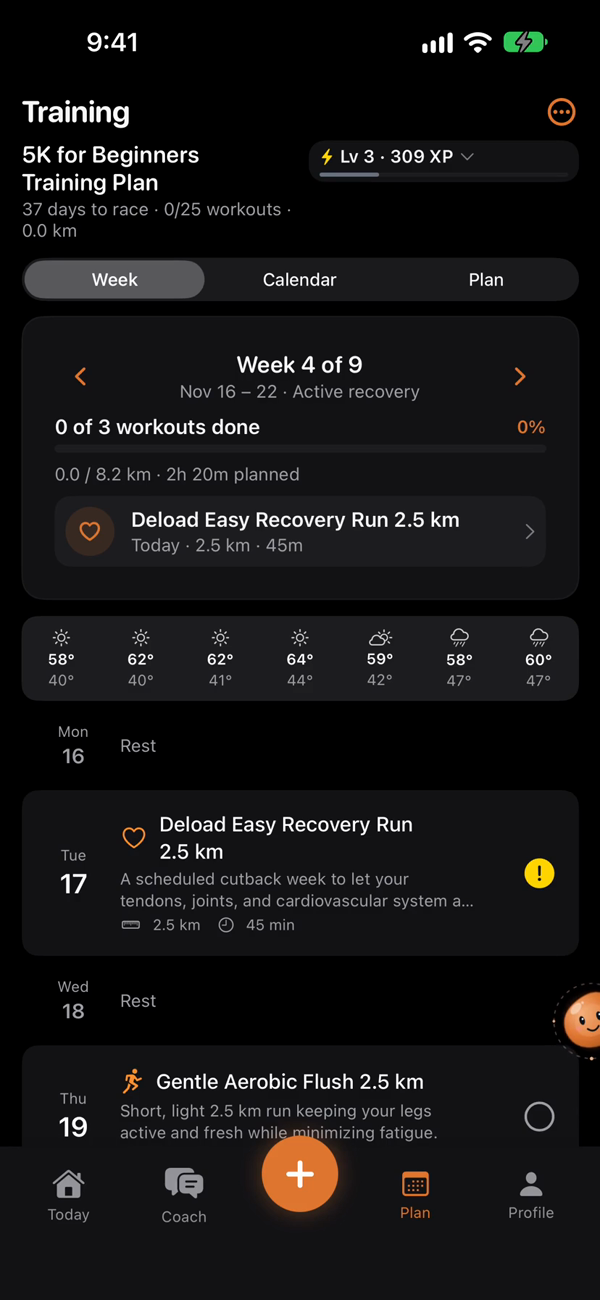
Open the Plan tab and tap Browse Plans to start from a 5K, 10K, half marathon or marathon template, or use the ... menu and Create New Plan to build one from scratch.
- 2
From scratch, answer the questions about your goal, race date, current running and the days you can train. The more honest you are about your current fitness, the better the plan fits. A template fills these in for you.
- 3
Review the answers the coach collected, change any that are off, and tap Build my plan (a template starts building on its own). Your scheduled workouts then appear in the Week and Calendar views.
Scan a plan you already have
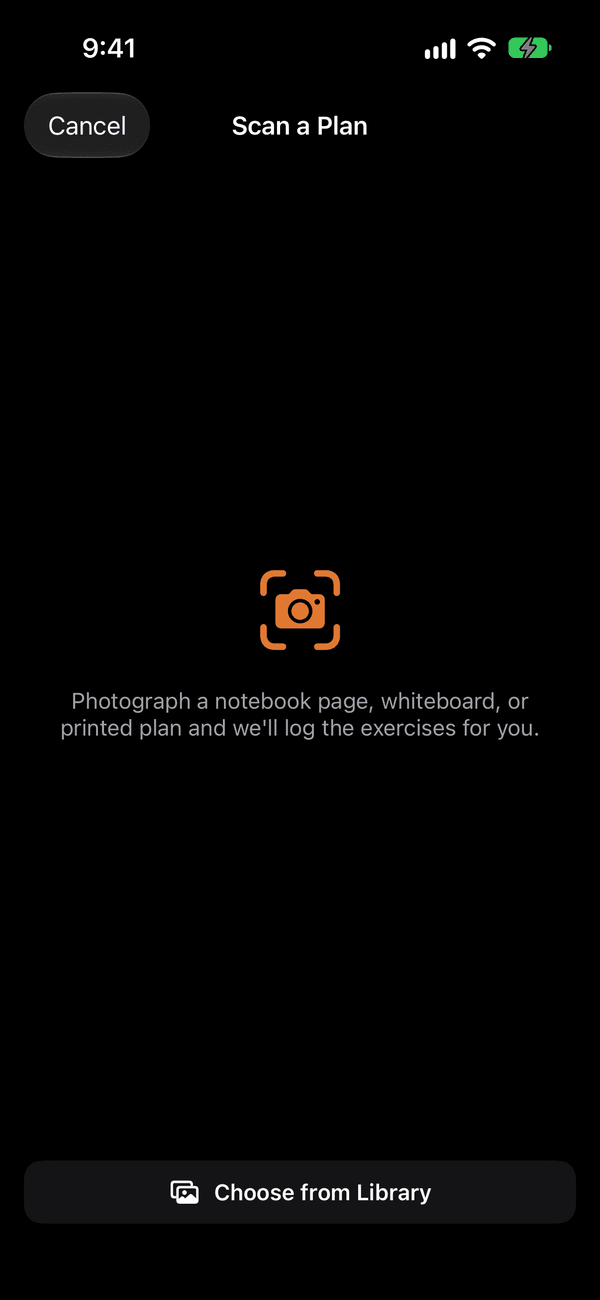
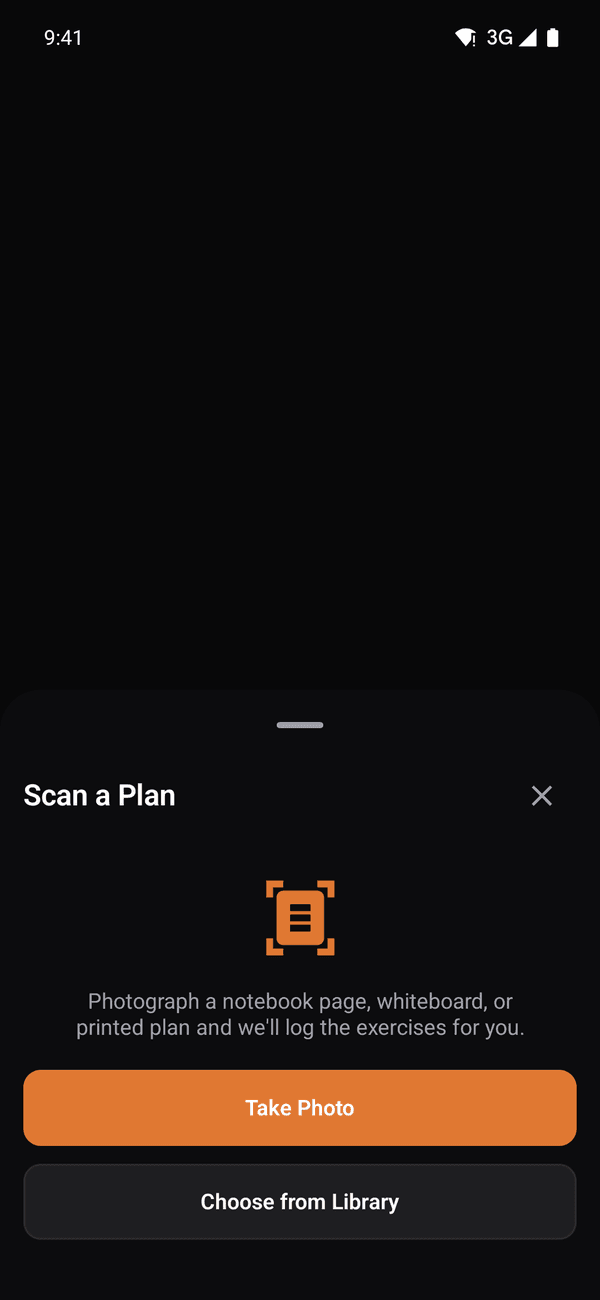
Have a strength workout written on paper or a whiteboard? Start a strength workout and tap Scan a Plan, then take a photo or choose one. The app reads the exercises, and you check the list before they are added to that session. Handwriting and small print are the usual source of mistakes, so look it over. Scanning adds to the workout you are logging; it does not build a calendar plan. For a running plan, build one with the coach as described above. More in Strength training.
Adjust your plan
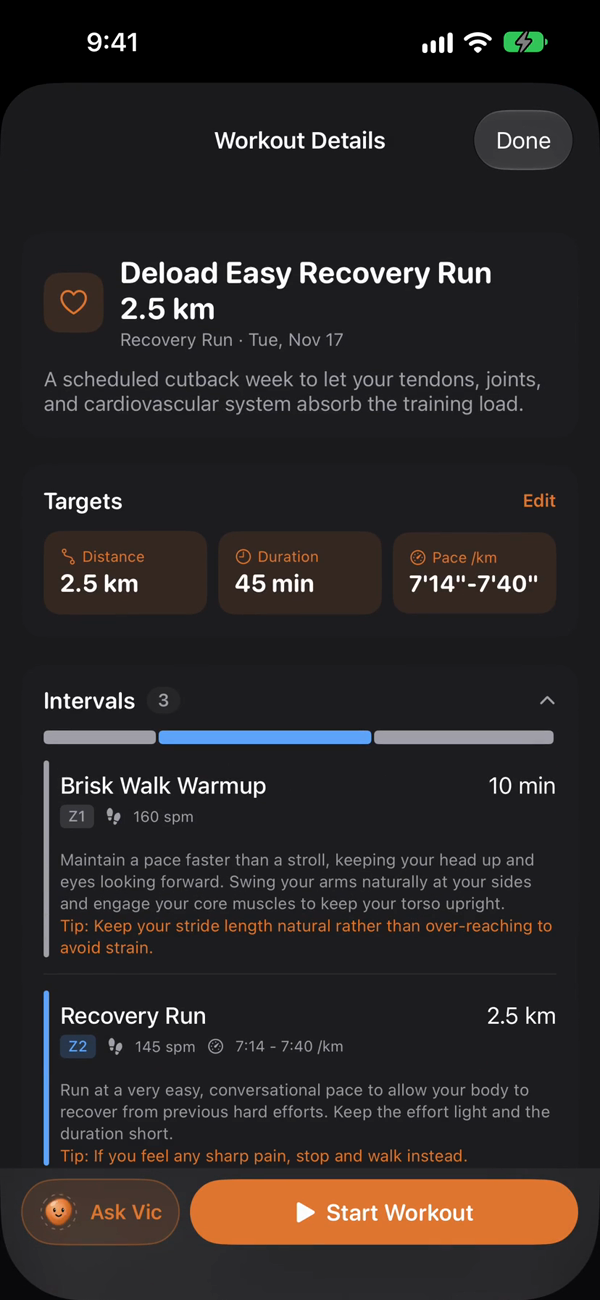
- Open a scheduled workout to see its details, or to move or swap it.
- Ask the Coach tab to make the week easier, lighter or shorter and it will propose changes.
- Missed a day? Reschedule it rather than cramming two hard days together.
Do a planned workout
Open the workout from the Plan tab and start it. The type, goal and intervals are set up for you, and the audio coach announces each interval. With an Apple Watch, you can send the workout to the wrist; see Apple Watch. Need a route for it? See AI maps and routes.
Troubleshooting
| What you see | What to do |
|---|---|
| The plan did not generate | Check your connection and try again in a minute. If it keeps failing, email us with the time it happened. |
| A scanned plan has wrong numbers | Edit the affected workouts by hand, or scan again with a sharper, well-lit photo. |
| The workout is not on my watch | Open Victory Fitness on both devices, keep them close, and check the Apple Watch guide for sync steps. |
Still stuck?
Email officialvictoryfitness@gmail.com with your phone model, app version and a screenshot, and we will help. You can also read the pricing FAQ.