Plan and train
Strength training
Log lifts, follow a program, import from Strong, Hevy or Fitbod and use the plate calculator.
Log a strength workout
- 1
Tap +, choose Start a workout, then pick strength.
- 2
Add exercises, then enter weight and reps for every set. Voice dictation works for quick entry.
- 3
Finish to save. The session counts toward your volume, history and personal records.
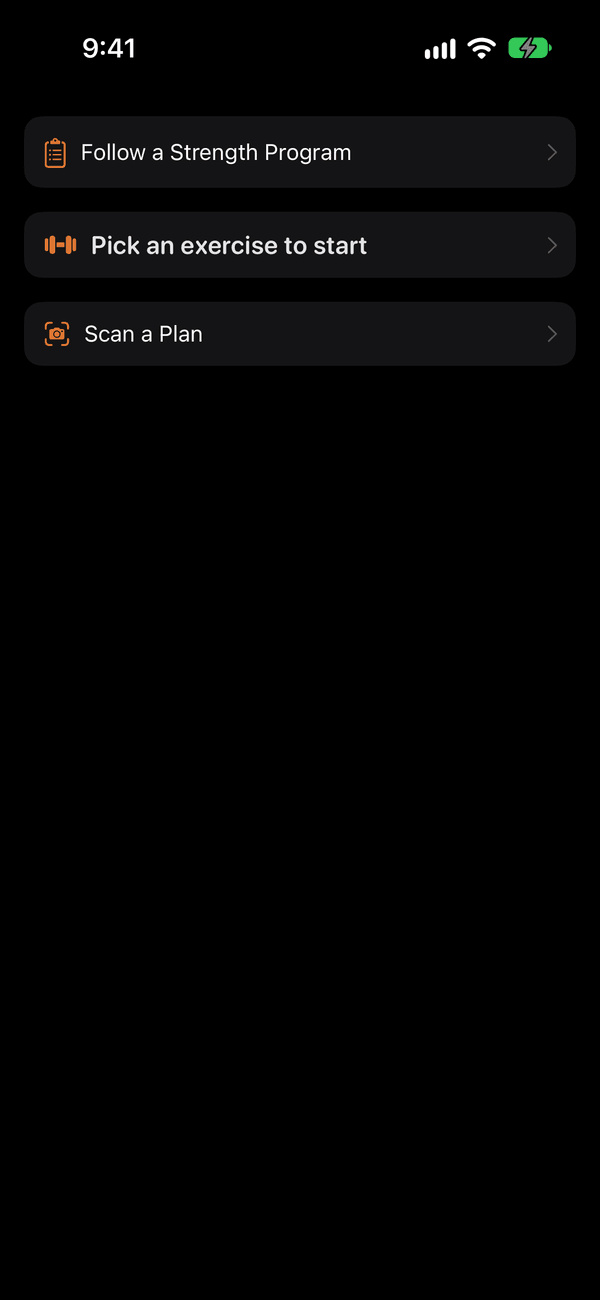
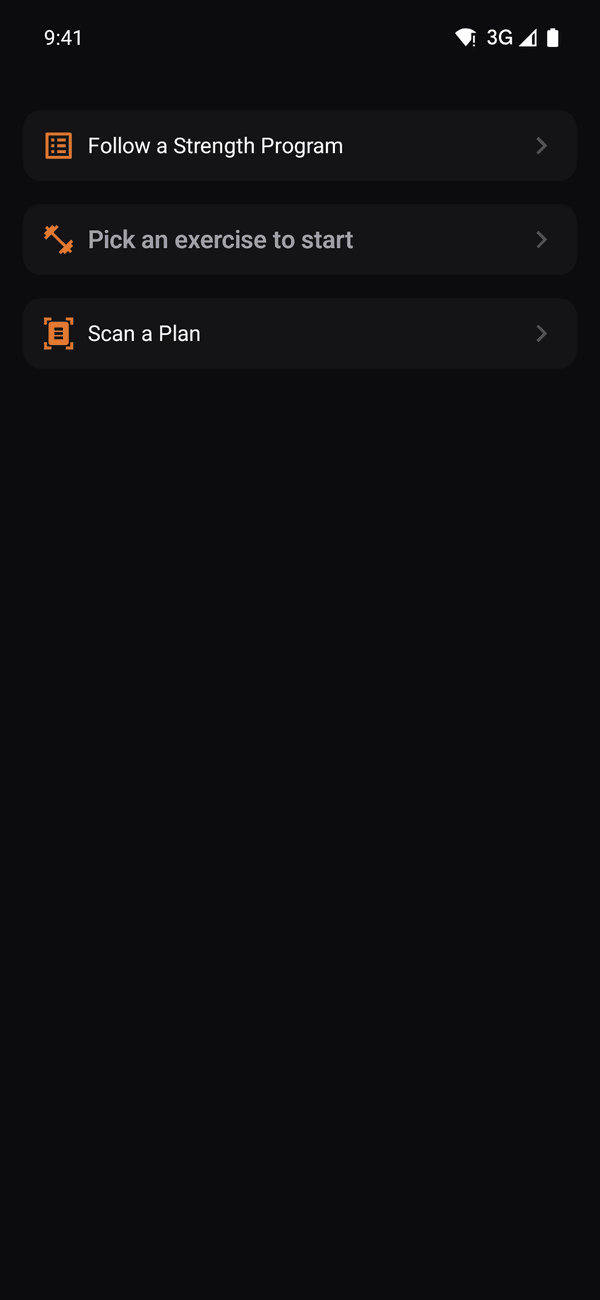
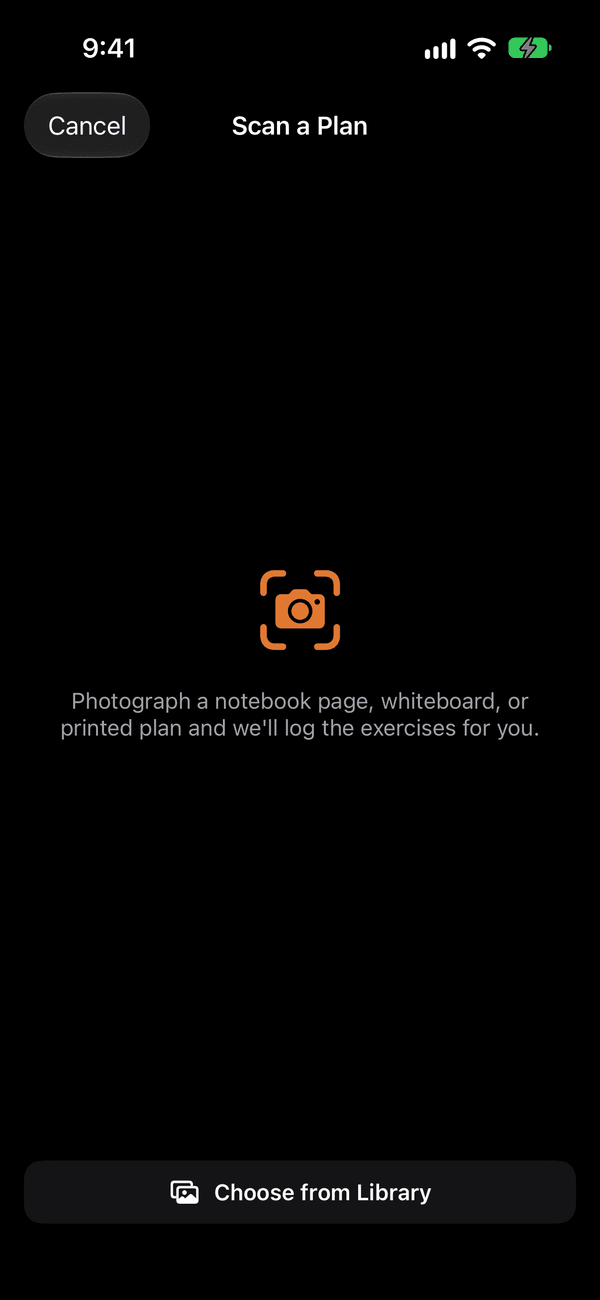
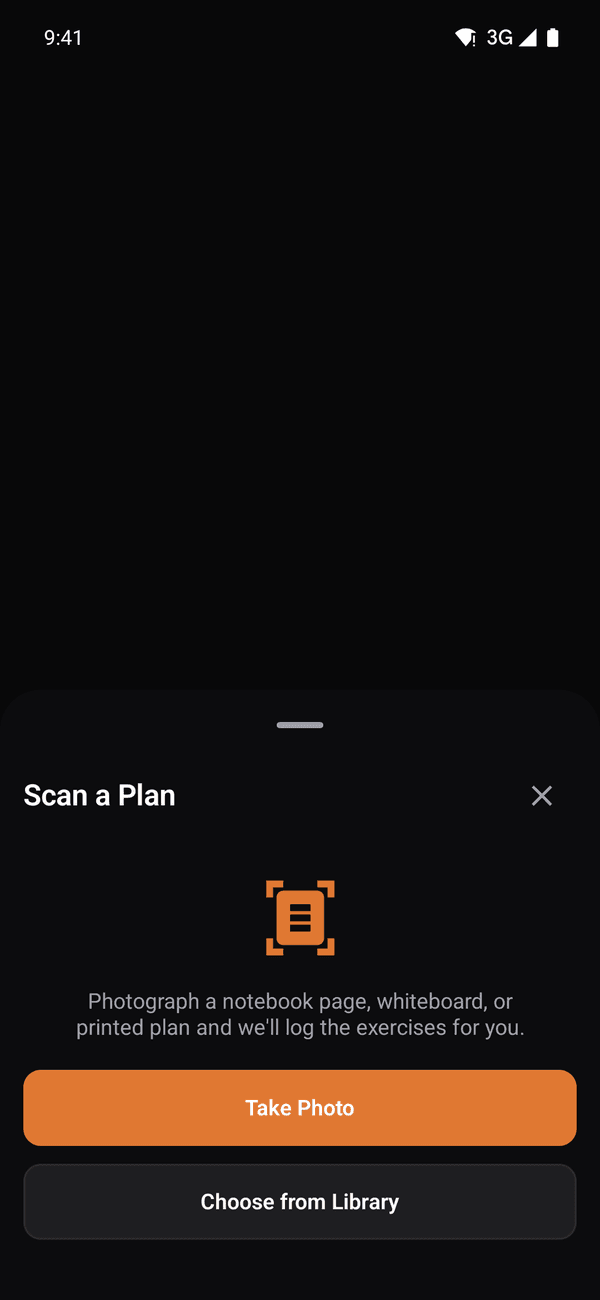
Have your workout written down on paper or a whiteboard? Tap Scan a Plan in the strength logger, take or choose a photo, and check the list of exercises it found before they are added to your session.
Programs
Victory Fitness includes three well-known barbell programs: StrongLifts 5x5, Starting Strength and 5/3/1 Boring But Big. Pick one and the app prescribes each workout from your last session.
- 1
Start a strength workout and tap Follow a Strength Program.
- 2
In Strength Programs, choose a program, enter your starting weights and tap Start.
- 3
Today's session appears at the top of the logger. Tap Log next to a lift to log all of its sets as prescribed, or log the sets yourself if you missed a rep.
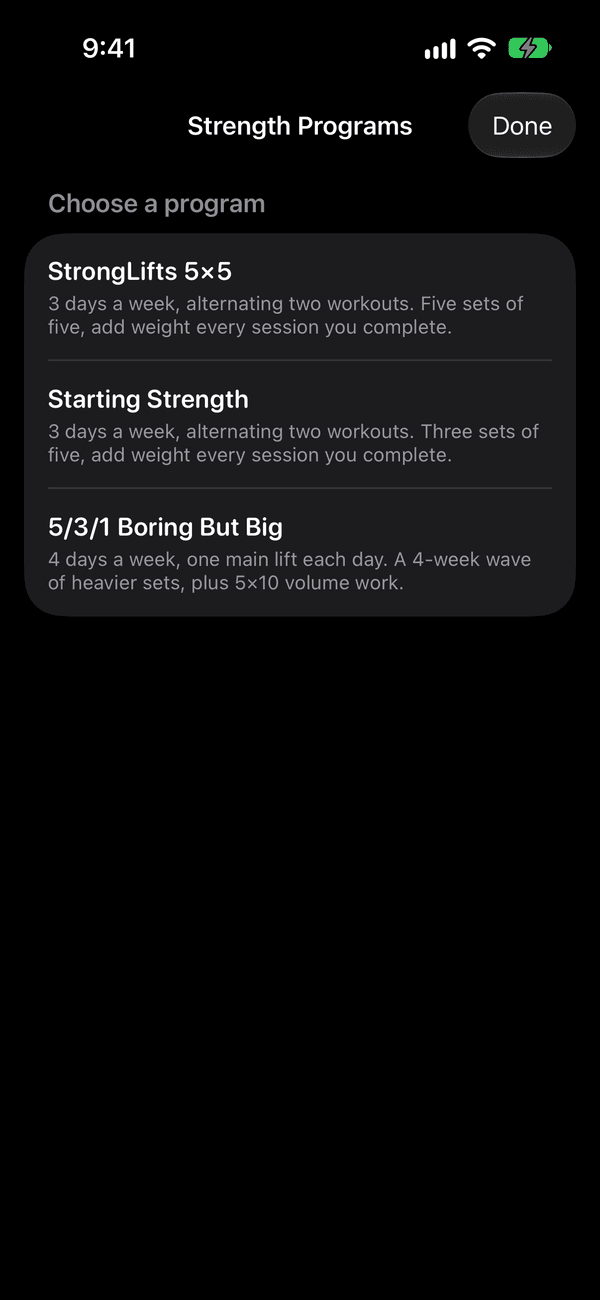
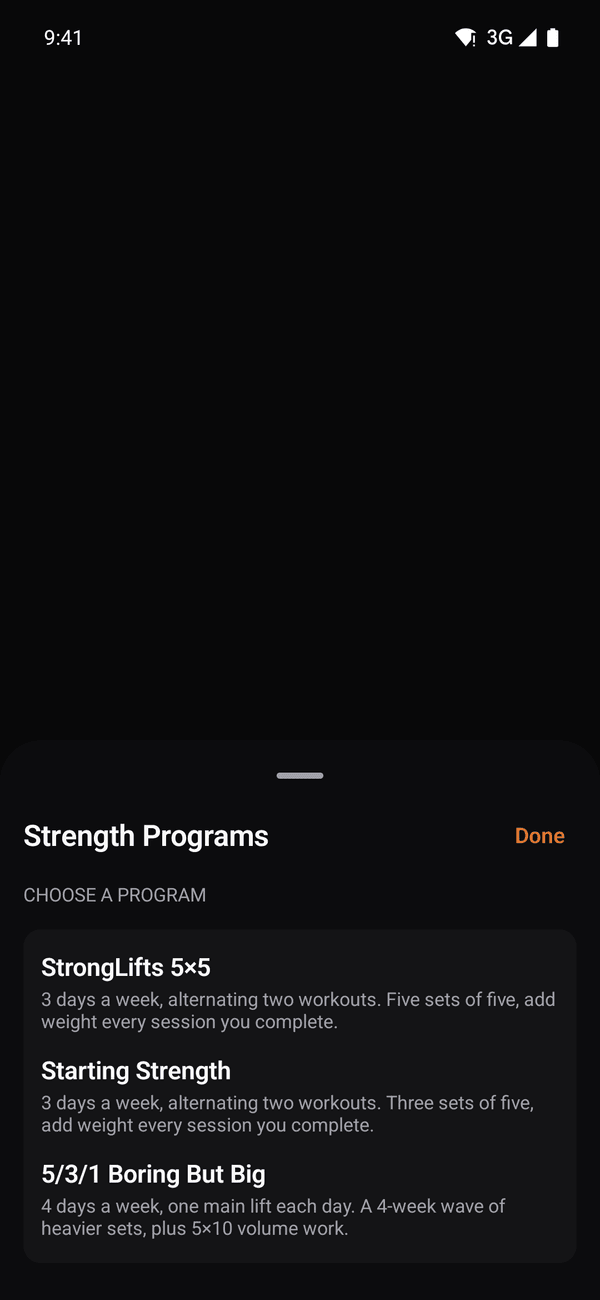
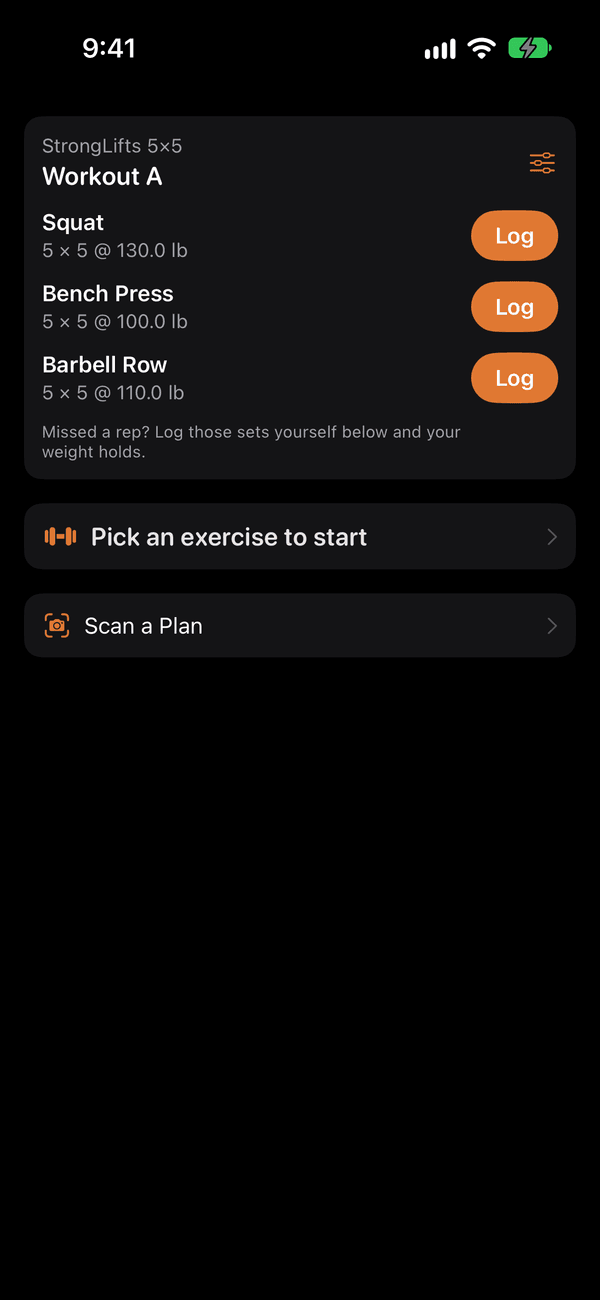
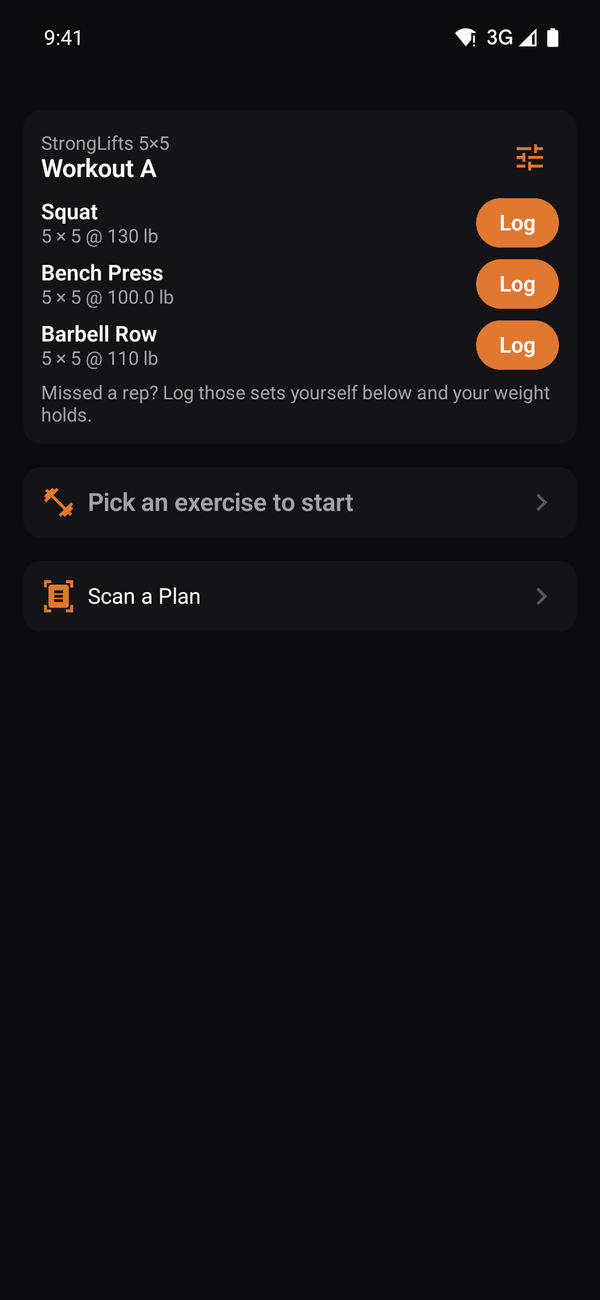
- Linear programs add weight after a completed session and hold the weight when you miss.
- After three misses in a row on a lift, the weight is reduced by about 10 percent so you can build back up.
- 5/3/1 works from a training max that moves up after a cycle, including in the deload week.
- Workouts imported from a CSV file never advance a program.
Plate calculator
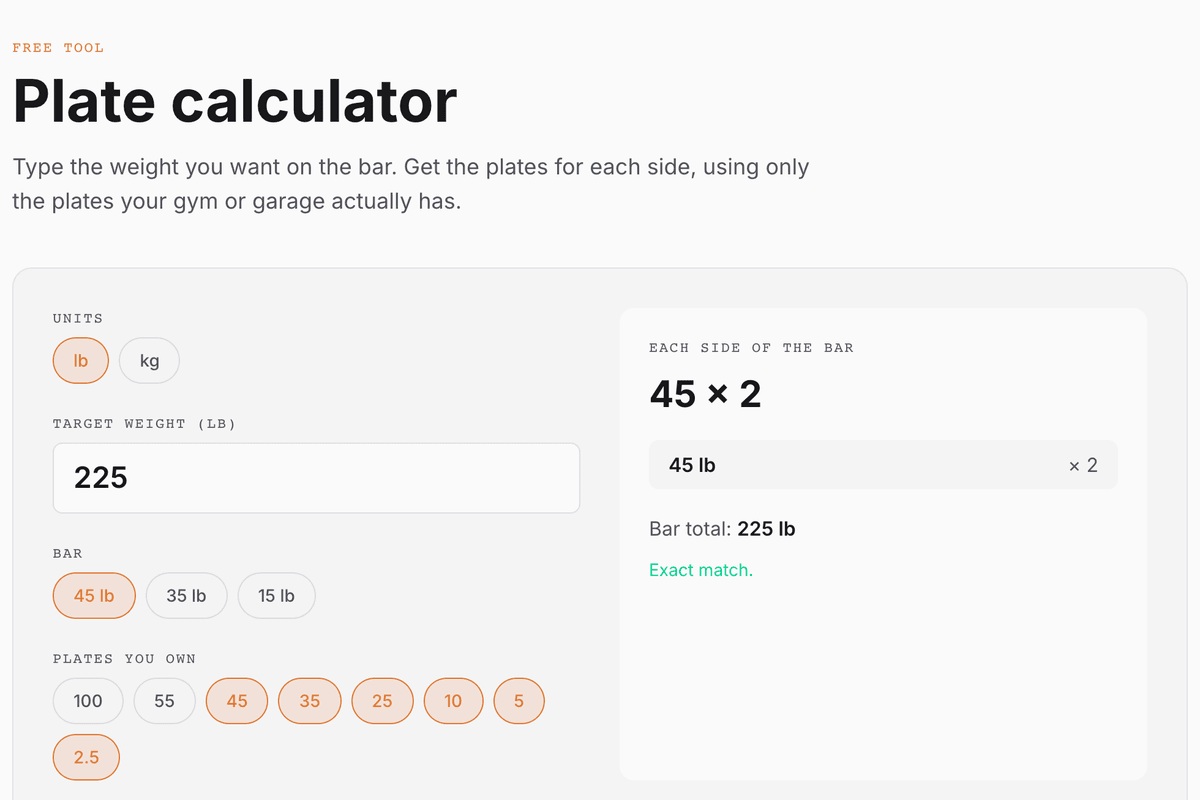
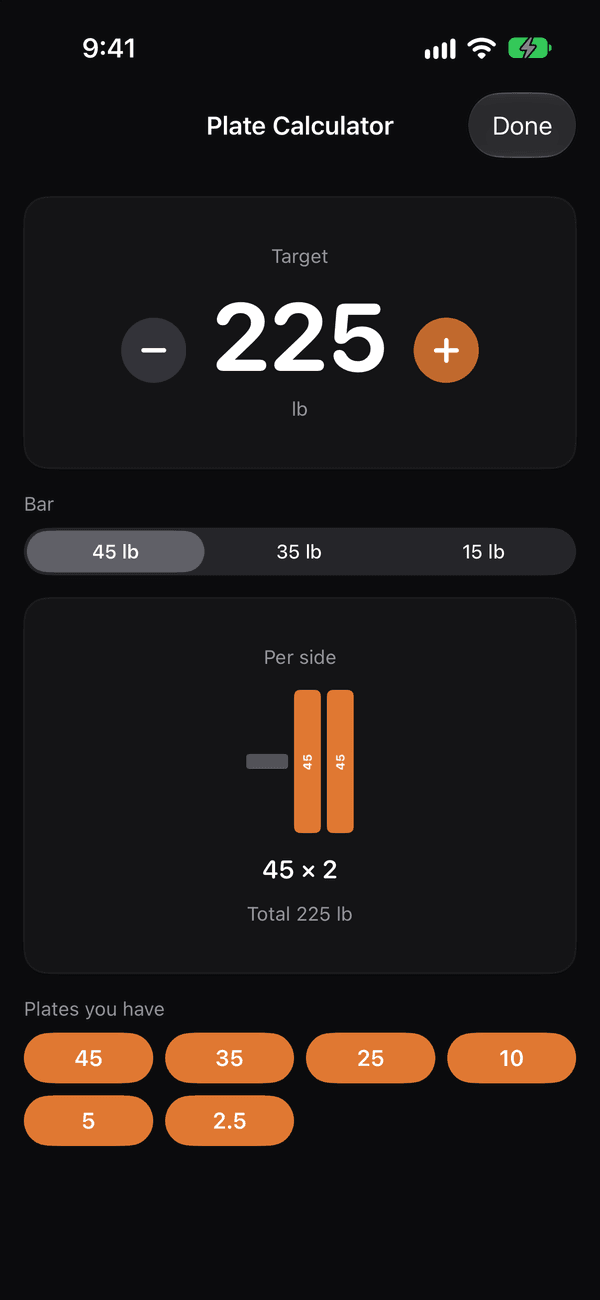
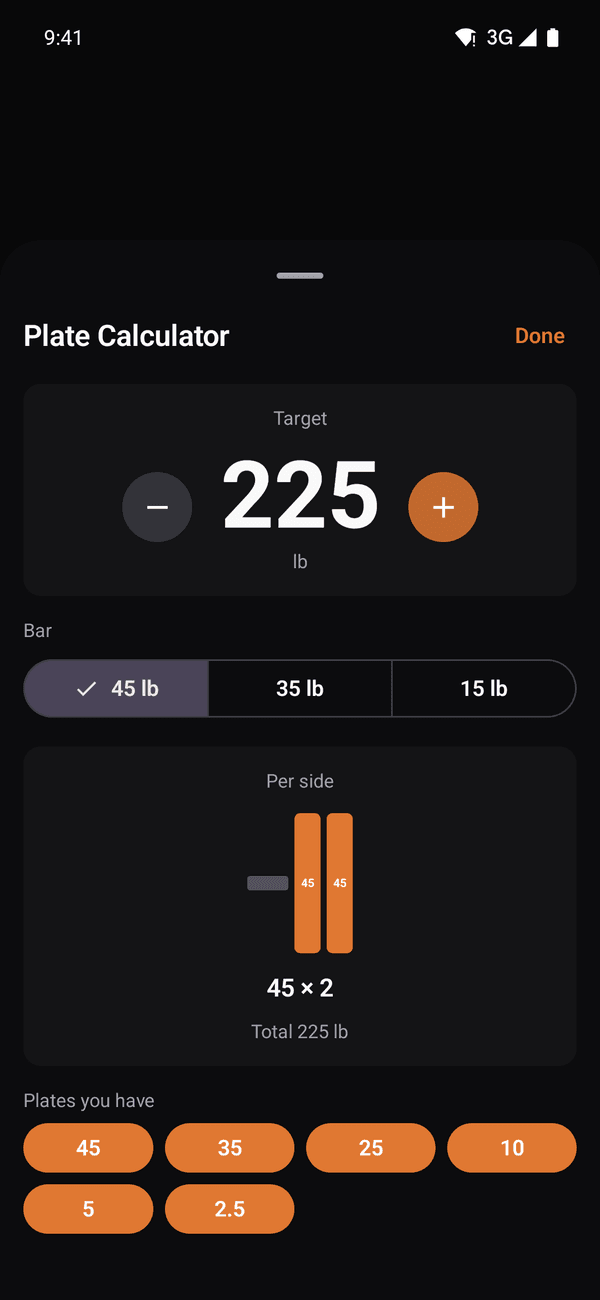
Enter a target weight and the plate calculator shows what to load on each side of the bar. A free web version is at the plate calculator, and the same tool is inside the app while you lift: tap Plates next to the weight field.
Import from Strong, Hevy or Fitbod
- 1
Export your history as a CSV from the old app. The full list of export steps is on the import page.
- 2
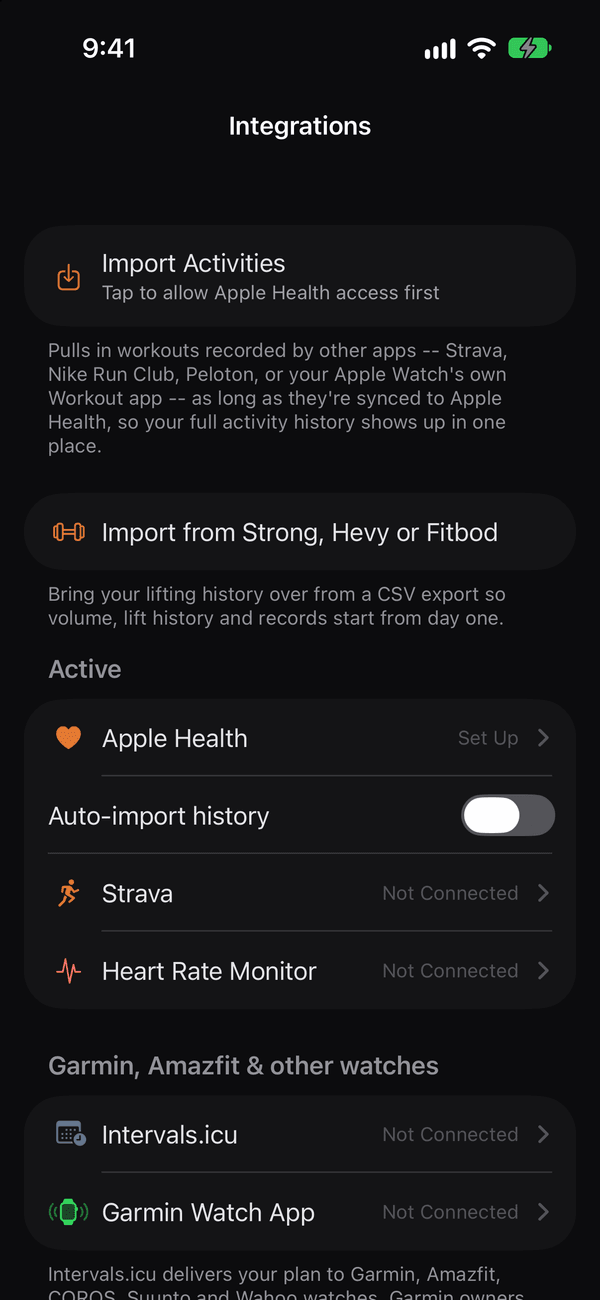
In Victory Fitness open Profile, then Settings, then Integrations.
- 3
Tap Import from Strong, Hevy or Fitbod and choose the file. Duplicates are skipped.
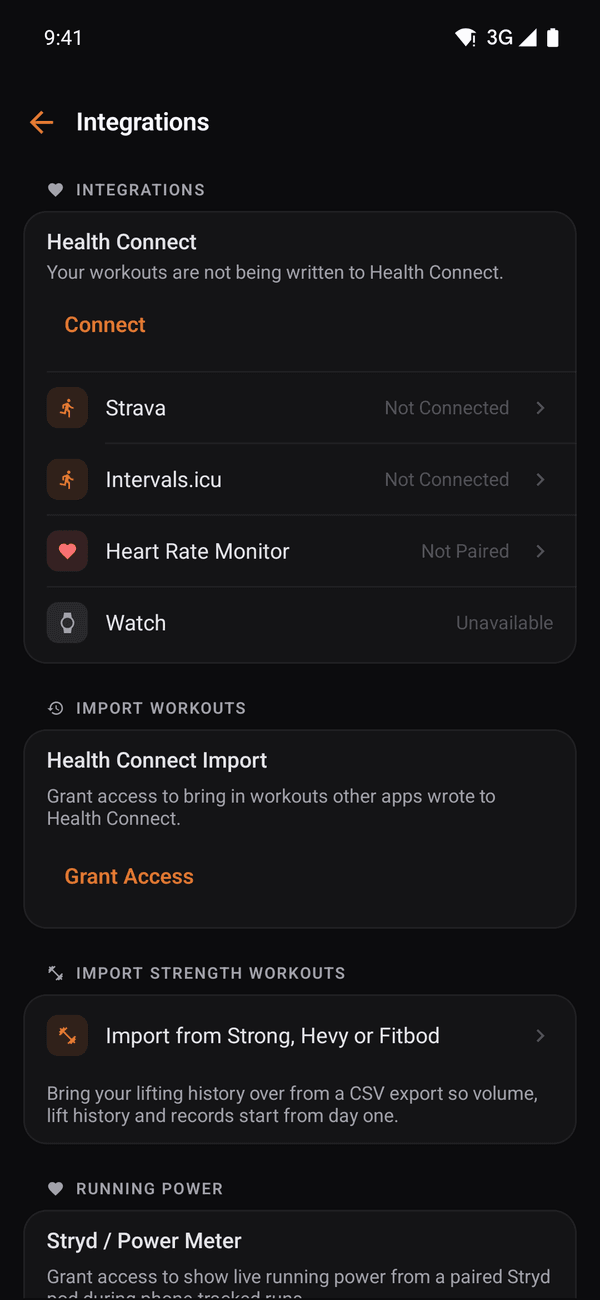
Step-by-step export instructions are on the import page.
Ask Claude about your lifting
Once connected, Claude can read your lift history and recent sessions. Setup and example questions are in Use with Claude.
Troubleshooting
| What you see | What to do |
|---|---|
| The import says the file is not recognized | Use the CSV export from Strong, Hevy or Fitbod without editing it. Spreadsheet apps can change the column headers when you save. |
| Imported weights look wrong | Check the unit. Strong exports can leave the unit out, in which case the app uses your unit preference; Hevy marks it in the column name and Fitbod exports kilograms. |
| My program did not move up | Programs advance after a completed session of that program. Missed reps hold the weight, by design. |
Still stuck?
Email officialvictoryfitness@gmail.com with your phone model, app version and a screenshot, and we will help. You can also read the pricing FAQ.