Beta testers
Help us test Victory Fitness
Tell us what phone and watch you train with, and we will send you the right install steps. It takes under a minute.
Join the Discord
Jump into our Discord when you sign up. We add testers to TestFlight and Google Play by hand, so nothing is automatic and it can take up to a day. When something looks wrong, share a screen recording or screenshot in the testers or feedback channel, along with your phone, OS version and watch.
Join the DiscordHow to capture a screen recording or screenshot
- iPhone
- Screen recording: add it in Settings > Control Center, then swipe into Control Center and tap Record. Screenshot: press the side button and Volume Up together.
- Android
- Screen recording: open Quick Settings and tap Screen record. Screenshot: press Power and Volume Down together.
- Apple Watch
- Turn on screenshots in the Watch app on your iPhone (General > Enable Screenshots), then press the side button and Digital Crown together. The image saves to your iPhone Photos.
- Wear OS
- Capture steps vary by watch. If you cannot capture it, describe what happened and which screen you were on.

Share this page
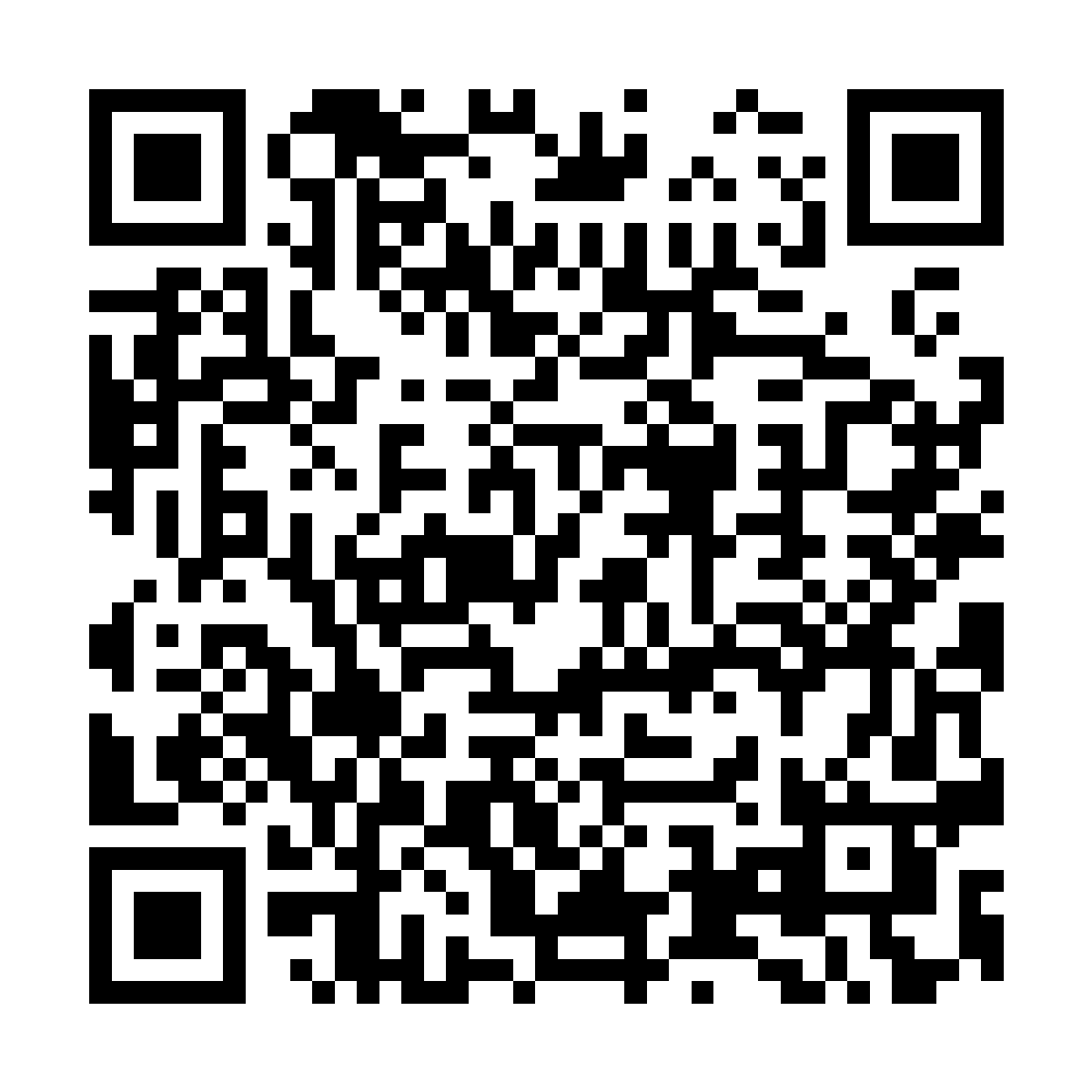
Scan with a phone camera to open this page, or send officialvictoryfitness.com/testers to a training friend.
Download the QR code (PNG)